
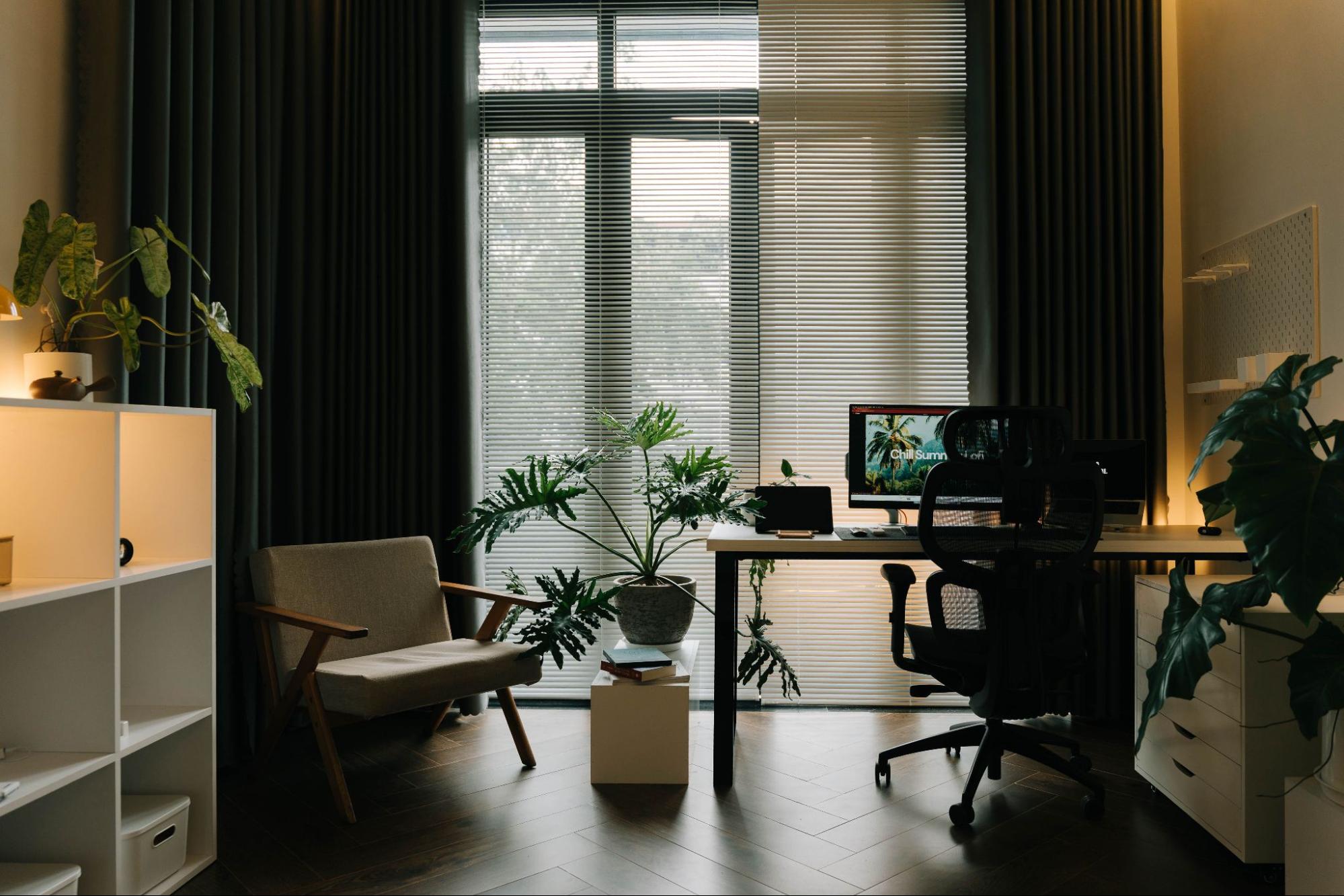
Create a Home Office That Wins Clients and Runs Smoothly
For budding entrepreneurs meeting clients from home, client impression management can feel like a second job layered on top of real work. A home-based office setup often has to pull double duty as a client meeting space, which makes it hard to look polished on camera and feel confident in person without turning the whole house into a showroom. When the backdrop is distracting, the lighting is unflattering, or the space feels improvised, even a strong pitch can land with less authority. A professional home office creates calm, credibility, and consistency across virtual client meetings and face-to-face conversations.
Set Up a Client-Ready Home Office in 5 Steps
This process helps you turn any spare corner into a workspace that looks credible on camera and feels comfortable in person. It matters because small upgrades in layout, lighting, and tech reduce stress and help clients focus on your message, not your room.
- Map your layout around the camera view
Start by choosing one “meeting wall” that will sit behind you on video and face any in-person guest. Place your desk so your camera looks toward that clean backdrop, not into the rest of your home. Keep a simple pathway to your chair so you are not stepping over cords or clutter before a call. - Choose ergonomic furniture you can use for hours
Pick a supportive chair and a desk height that lets your shoulders relax and your elbows sit comfortably at your sides. If the budget is tight, prioritize the chair first since it affects comfort and posture the most. The scale of the USD 22.2 billion ergonomic furniture market is a reminder that comfort is not a luxury, it is a work tool. - Fix your video-call lighting in two moves
Face a window or place a lamp slightly in front of you, then soften harsh light with a shade or diffuser so your face looks even and awake. Avoid bright lights behind you because they turn you into a silhouette and make the room look dim. Do a 10-second test recording to confirm your skin tone looks natural and your eyes are easy to see. - Declutter the background and control noise
Clear the camera frame first: remove loose papers, extra cables, and anything overly personal or distracting. Next, reduce echo by adding soft surfaces like a rug, curtains, or a fabric wall hanging, then close gaps under doors with a simple draft stopper. These quick soundproofing habits make your voice clearer and your meetings feel more private. - Lock in meeting tech and a repeatable pre-call checklist
Set up reliable internet, a headset or external mic, and a camera position at eye level, then label chargers so you can grab them fast. Run one practice call to check audio, screen sharing, and framing, and keep a “ready mode” list: water, notes, pen, and a clean desktop. With over a third of UK workers working remotely, a dependable setup is now part of everyday professionalism.
Protect Your Workday: Plan for Breakdowns and Business Continuity
If your business depends on a reliable workday, an unexpected electrical issue or failure in a core home system can quickly derail meetings, deadlines, and income, often with a surprise repair bill attached. One way to reduce that risk is to invest in home warranties, which can help cover repairs so you’re not scrambling to absorb the full cost at the worst possible time. Home warranties are customizable annual service plans that cover repair or replacement of major home systems and appliances, with optional add-ons to help homeowners manage unexpected repair costs due to normal wear and tear.
Home Office FAQs Clients (and You) Will Appreciate
Q: How can I look client-ready if my home office space is tiny?
A: Choose one “meeting zone” rather than trying to perfect the whole room. A small desk, a supportive chair, and a lamp at face level can create a clean, confident frame. Keep one bin or drawer nearby so clutter disappears in 30 seconds.
Q: What can I do for privacy in a shared home?
A: Set a simple signal like a closed door sign or headphones on means “do not interrupt.” Add a white noise app outside the door, and place a draft stopper or towel at the bottom to reduce sound travel. If calls are sensitive, schedule them during the quietest household window.
Q: How do I prevent choppy video calls when my internet is unreliable?
A: Video meetings often need strong stability, and internet connectivity is not a given for everyone. Use an ethernet cable when possible, pause other streaming, and keep a phone hotspot as a backup. Do a quick internet speed test before important meetings.
Q: What’s the easiest way to create a professional background fast?
A: Face a plain wall, a bookshelf, or a closed curtain and remove anything overly personal. Add one intentional detail like a plant or framed print, then check your camera edges for distractions. Good lighting matters as much as the backdrop.
Q: Which simple communication tools keep meetings polished?
A: Send a calendar invite with an agenda, then confirm the meeting link and time zone the day before. Keep a one-page notes template and a follow-up email draft so you can recap decisions within an hour. Clients remember clarity even more than décor.
Client-Ready Home Office Final Check
Before every call or visit: This quick reset helps you show up focused and credible, even on busy days. It matters because meetings are unproductive when details are messy, and a simple checklist prevents avoidable friction.
✔ Clear your desktop and stash loose items in one drawer
✔ Frame your camera with a plain background and one intentional detail
✔ Set lighting at face level and test for shadows
✔ Confirm your mic, speakers, and camera in a 20-second test
✔ Check connection stability and keep a hotspot ready
✔ Post a privacy signal and start white noise outside the door
✔ Prep your agenda, notes template, and follow-up draft
Check these off, then walk into the meeting calm, prepared, and in control.
Raise Client Confidence With One Home Office Upgrade at a Time
It’s hard to win trust when the workday happens in the same space as everything else, and clients notice the little signals. The steady approach is to treat your setup like an asset: build a professional environment on purpose, then refine it through long-term office planning instead of chasing perfection. When that mindset sticks, the home office impact on business shows up in smoother meetings, faster decisions, and stronger client trust building that supports repeat work. A client-ready office is a quiet promise that you run a reliable business. Pick one upgrade from the checklist to complete this week, then schedule the next review date. That consistency fuels entrepreneur motivation and turns business success through setup into resilient growth.